
Machine CourseBeginnerF1/F1 Lite
Getting Started with F1 Series
Learn to unbox, calibrate, and master the full xTool F1/F1 Lite hardware and software workflow
5 Units
22 min
Subscribe
Overview
Welcome to your xTool F1 journey! This beginner-friendly course is designed for users who are getting started with the xTool F1 laser engraving machines. Whether you’re a hobbyist or small business owner, this course will guide you through unboxing, setup, and basic engraving operations.
What You'll Learn
Understand xTool F1 laser hardware and
Perform safe unboxing, installation, and machine positioning
Learn key safety guidelines and status indicator meanings
Complete xTool software installation and device connection
Understand basic parameter settings and engraving preparation
Perform initial calibration and test engraving tasks
Master basic engraving workflows for common materials
Conduct routine maintenance and troubleshoot common issues
Curriculum
ArticlexTool F1 Safety First (Important)
5 min Lesson 1 · Article xTool Official
xTool F1 Safety First (Important)
xTool OfficialArticleLSO Training for xTool F1
5 min Lesson 2 · ArticlexTool Official
LSO Training for xTool F1
xTool Official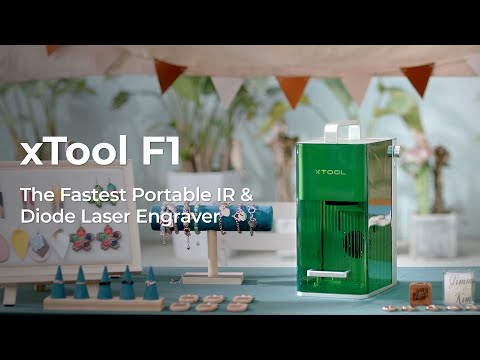 5 min
Lesson 3 · ArticlexTool Official
xTool F1 User Guide
xTool OfficialArticlexTool F1 Lite User Guide
5 min Lesson 4 · ArticlexTool Official
xTool F1 Lite User Guide
xTool OfficialArticle10 Tips to Ensure a Safe and Clean Lasering Experience
2 min Lesson 5 · ArticlexTool Official
10 Tips to Ensure a Safe and Clean Lasering Experience
xTool Official
